显示标签为“Saab Tech 2”的博文。显示所有博文

2021年3月4日星期四

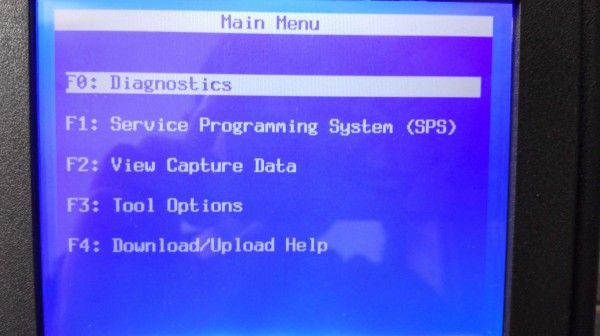
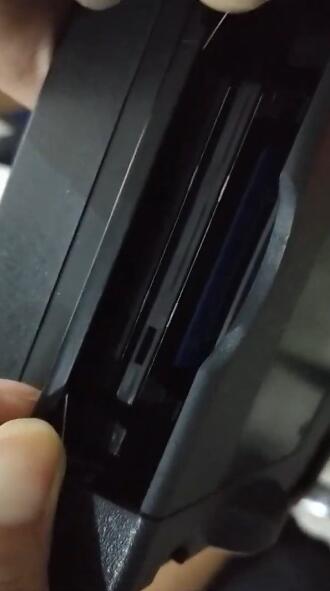
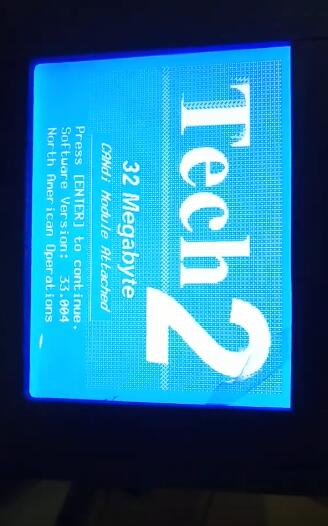
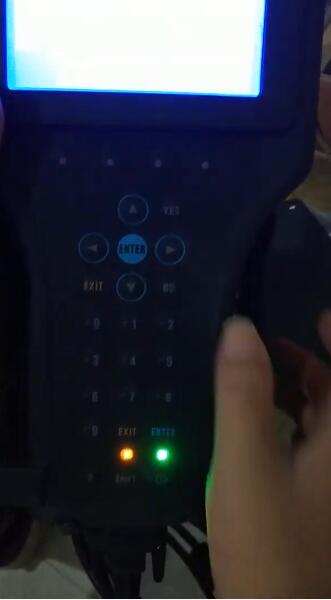
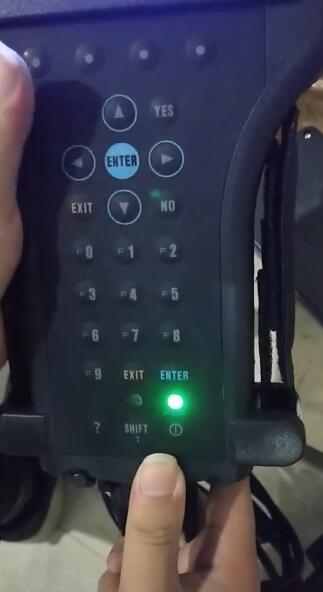
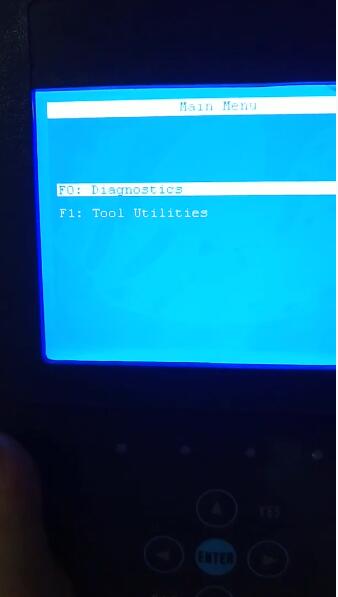
How to switch GM tech 2 32mb memory card

32MB GM Card,works with GM Tech 2, includes a 32MB PC Card loaded with the latest released GM Software.We are available with six kinds of software including SAAB, OPEL, GM, ISUZU, Suzuki and Holden.

Software List:
GM
GM-English 33.004 1991-2014
GM-Spanish 31.007 1991-2014
GM-French 32.007 1991-2014
GM-Portuguese 32.007 1991-2014
GM-Japanese 32.006

OPEL
OPEL-English Newly Update to V180 1997-2014
OPEL-Italian 133.001 1997-2012
OPEL-Spanish 91.001 1997-2009

SUZUKI
SUZUKI-English 01.210.020

SAAB
SAAB-English 148.000

ISUZU
ISUZU-English 107.021 2006-2010

Holden
Holden-English  149.000 1999-2013 (For North American Area Only)

GM Tech2 Card Opel Software Update to V180 Support Cars from the Year 1997 to 2014


Package List:
1pc x 32MB Card for GM TECH2

How to switch GM tech 2 32mb memory card

Images


2019年8月2日星期五

Feedback from GM Tech2 with CANdi TIS Works for GM/SAAB/OPEL/SUZUKI/ISUZU/Holden

I’ve got one and it works perfect on my 08

A few of us have them….. works great! Can also get to things like the rear air ride (if yours has that) which no other tool can deal with.

That being said I’ve seen on other forums where some people have major issues with their clones. Best I can say is I got my GM Tech2 from obd2tool and it works perfect.

It will come in handy sometimes. Now figuring out how to use all of the functionality will take a bit too. You can pretty much get right into diagnostics and whatnot pretty easy though. Programming takes a bit more as you will need to either install TIS2000 or pay for a short subscription to the ACDelco TIS system. TIS2000 is a pretty old program but does still have updates and whatnot for some things in our H2’s. The tricky bit is it runs on Windows XP. There is tons of info online about ways of getting that software installed and working though. The Tech2 will also come in handy for other GM vehicles as well and can give you a lot more info that most any other scan tool.

I’m pretty sure this one…. That is the same one I got a couple of years ago.

GM Tech 2 Feather:
1. Multi-langauge:English, Italian, French, Portuguese, German, Spainish, Korean, Japanese, Thai, Chinese
2. Update: via 32MB Software Card, when there is newer version, you can just buy new card to update
3. Year Coverage of Diagnosis:From 1992 to 2013, With Help of Tis2000 Software, It Can Do Programming for Cars Before Year 2007
4. Our GM TECH2 comes with with TIS2000 Software(CD)

Tech2 for GM Software Version:
GM           English 33.004  (Support Cars from 1991-2014)
SAAB       English 148
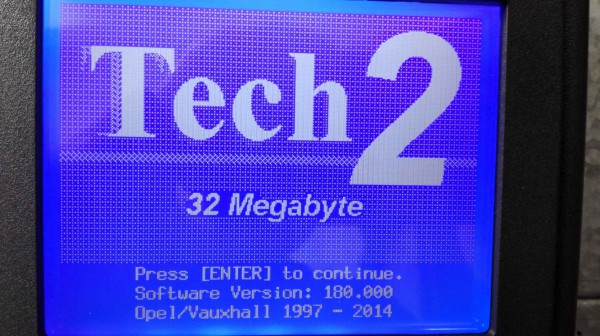
OPEL      English 180 (Support Cars from 1997-2014)
Holden    English 149 (Support Cars from 1999-2013) (For North American Area Only)
English  147.000  (Support Cars from 1999-2012 )(For Australia)
SUZUKI  English 01.210.020
ISUZU     English  CAN-BUS V180 (CAN-BUS support car models after 2010)
K-Line  11.680    1996-2014 (K-line support car models from 1996 to 2014)
2018年4月26日星期四

GM TECH2 program DDM, enable comfort opening closing and learn pinch

Device to use:
GM TECH2
Security via TIS2000! Without this you won’t be able to add anything!!!
I bought GM Tech 2 $358 (shipping not included), details:
TIS2000 $18 free shipping, from OBD2TOOL
Step –by – Step Procedure
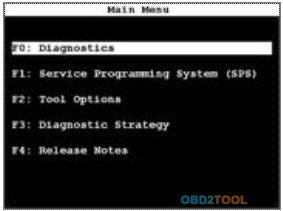
1.Go to “Main Menu”, select “Diagnostics”
4-1
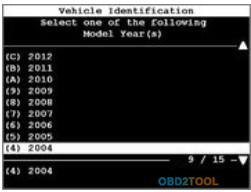
2.Select one of the following model year(s), I.E 2004
4-2
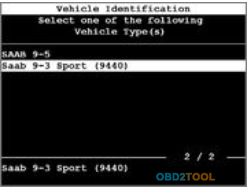
3.Select one of the following vehicle type(s), I.E Saab 9-3 Sports (9440)
4-3
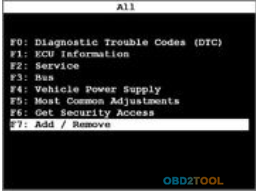
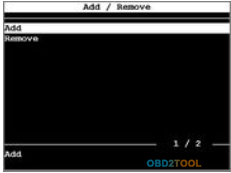
4.Select “Add/ Remove”
4-4
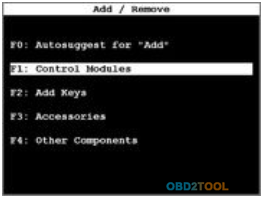
5.Select “Control Module”
4-5
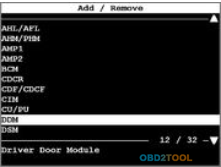
6.Select “DC04”
4-6
7.Select “Add”
4-7
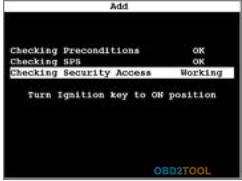
8.Select “Checking Security Access” –Working
4-8
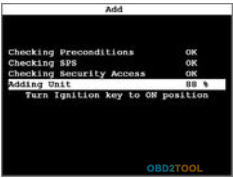
9.Select “Adding Unit”
4-9
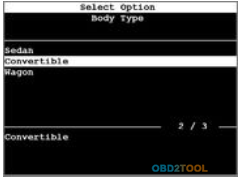
10.Select body type – Convertible
4-10
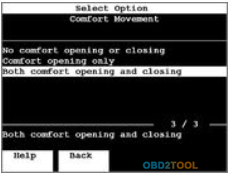
11.Select “Comfort Movement” – Both comfort opening and closing
4-11
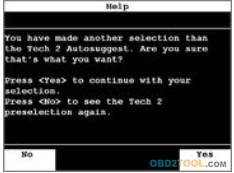
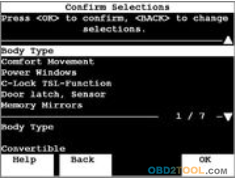
12.Press “Yes” to continue with your selection.
4-12
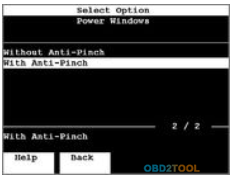
13.Select “With Anti-Pinch”
4-13
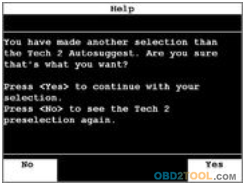
14.Press “Yes” to continue with your selection.
4-14
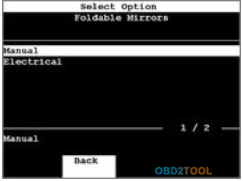
15.Select “Manual” as foldable mirrors.
4-15
16.Select “Body type”
4-16
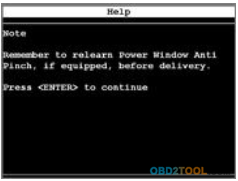
17.Press <Enter> to Continue
4-17
Thanks for reminding me Tech2! I will do this down below!
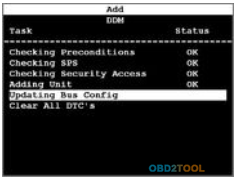
18.pdating “Bus Config”
4-18
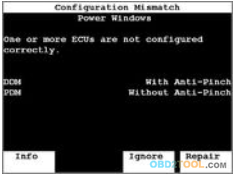
19.Looks like Car Scanner Tech2 caught an error! Passenger door’s anti-pinch was disabled somehow… It fixes it automatically.
4-19
20.Add / Remove ECU finished
4-20
So that was pretty straight-forward right? Now hit Exit and go back. We have to setup pinch protection under the service tab…
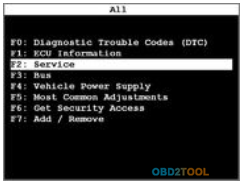
21.Select “Service”
4-21
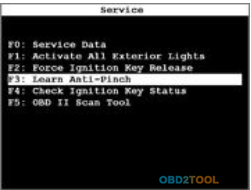
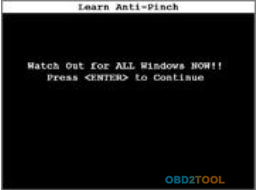
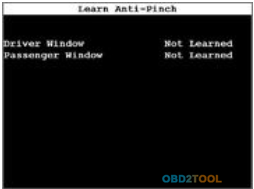
22.Select “Learn Anti-Pinch”
4-22
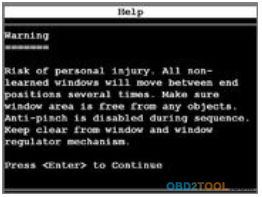
23.Press <Enter> to Continue
4-23
24.Press <Enter> to Continue
4-24
25.Holy Cow! My fingers almost were chopped off!!!
4-25
26.Press <Exit> to quit
4-26
http://cheapobd2scanner.com/2018/04/23/gm-tech2-program-ddm-enable-comfort-opening-closing-and-learn-pinch/