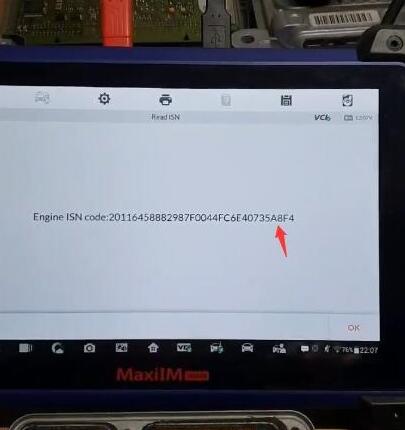
显示标签为“Autel IM608”的博文。显示所有博文

2020年1月23日星期四

Mercedes W204 All Keys Lost by Autel IM608 + GBOX + XP400 Read Password

With last update, Mercedes Benz Software on MaxiIM IM608 did all keys lost W204 C220 CDI with EIS W207 type, succeed computing password in 3 minutes with G-BOX 1 and key programed correctly!
Get password:
Collecting data and calculating password is in progress. Please wait. The process takes 10-50min (it takes longer for part of vehicles). Please ensure that the device and vehicle battery are stable and sufficient during the process.
Autel-Im608-W204-All-Keys-Lost-1
Success in computing password
Autel-Im608-W204-All-Keys-Lost-2
 Autel G Box connection:
k line of the gbox to the connector of the elv and relay of the gbox to the module Sam striker fuse 27 I think I remember and the gbox connected to the port obd2 of the car comes explained the scheme of connections
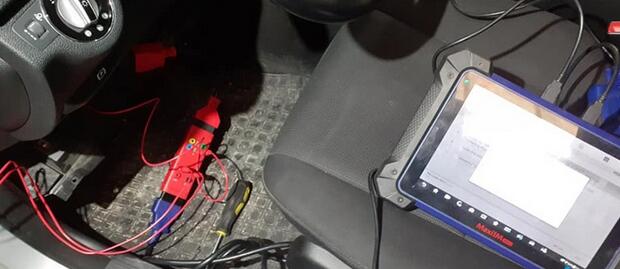
Autel-Im608-W204-All-Keys-Lost-3
Autel-Im608-W204-All-Keys-Lost-4
3 red wire:
2 goes to fuse in front sam fuse 27 and the other wire red goes to pin KLine on ELV connector
XP400 connection:
Autel-Im608-W204-All-Keys-Lost-5
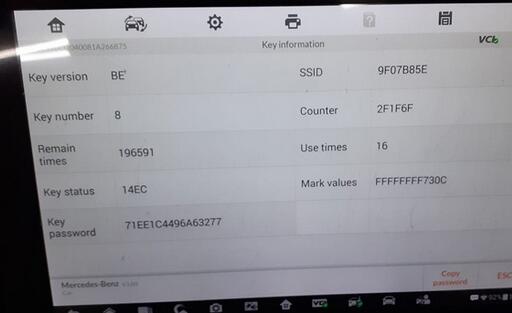
Key info:
Autel-Im608-W204-All-Keys-Lost-6


Mercedes W204 All Keys Lost by Autel IM608 + GBOX + XP400 Read Password

With last update, Mercedes Benz Software on MaxiIM IM608 did all keys lost W204 C220 CDI with EIS W207 type, succeed computing password in 3 minutes with G-BOX 1 and key programed correctly!
Get password:
Collecting data and calculating password is in progress. Please wait. The process takes 10-50min (it takes longer for part of vehicles). Please ensure that the device and vehicle battery are stable and sufficient during the process.
Autel-Im608-W204-All-Keys-Lost-1
Success in computing password
Autel-Im608-W204-All-Keys-Lost-2
 Autel G Box connection:
k line of the gbox to the connector of the elv and relay of the gbox to the module Sam striker fuse 27 I think I remember and the gbox connected to the port obd2 of the car comes explained the scheme of connections
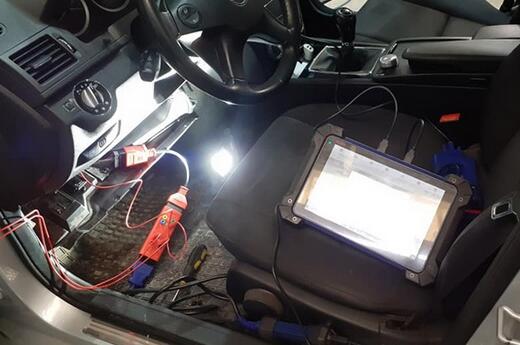
Autel-Im608-W204-All-Keys-Lost-3
Autel-Im608-W204-All-Keys-Lost-4
3 red wire:
2 goes to fuse in front sam fuse 27 and the other wire red goes to pin KLine on ELV connector
XP400 connection:
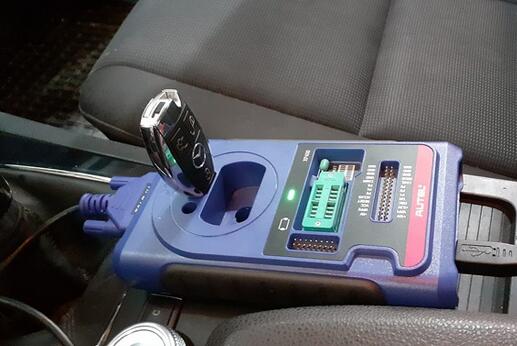
Autel-Im608-W204-All-Keys-Lost-5
Key info:
Autel-Im608-W204-All-Keys-Lost-6


2020年1月5日星期日

How to Use Autel MaxiIM 608 to Detect Vehicle Remote

How to Use Autel MaxiIM IM608 to Detect Vehicle Remote
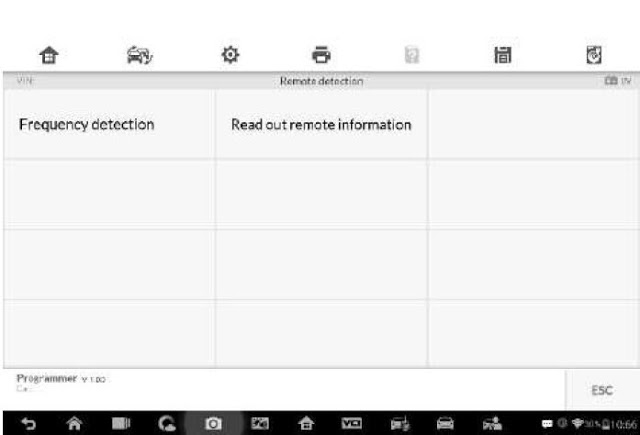
Tap Remote Detection from the menu, the function menu displays.
How-to-Use-Autel-MaxiIM-608-to-Detect-Vehicle-Remote-1
Put the key into suitable area and press down any key button. The screen displays the frequency of the key.
How-to-Use-Autel-MaxiIM-608-to-Detect-Vehicle-Remote-2
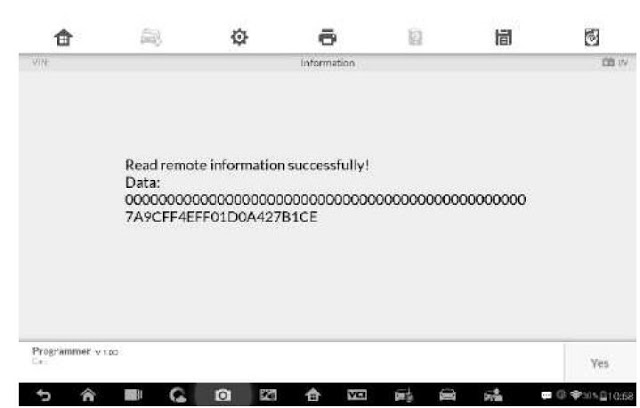
Tap Read out remote information to check the information.
How-to-Use-Autel-MaxiIM-608-to-Detect-Vehicle-Remote-3


2019年12月22日星期日

Read BMW EDC17C50 ISN Code from DDE using Autel IM608 & G Box

Managed to read 2017 BMW F-series DDE8 edc17c50 isn code in boot mode using Autel MaxiIM IM608 & g box.
Note: Autel G box is used to program Mercedes all keys lost and read BMW ISN code with IM608/IM508.
Procedure:
autel-im608-g-box-edc17-1
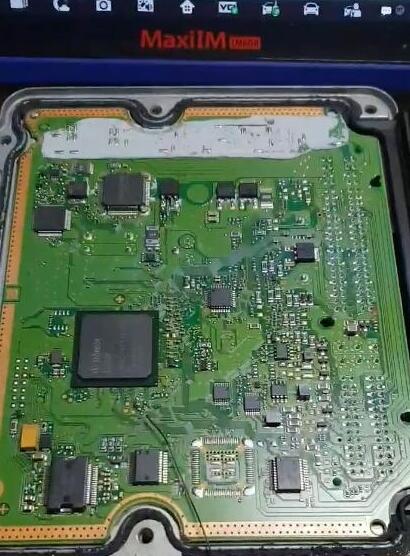
Remove the engine ECU module from the vehicle and open the engine ECU housing
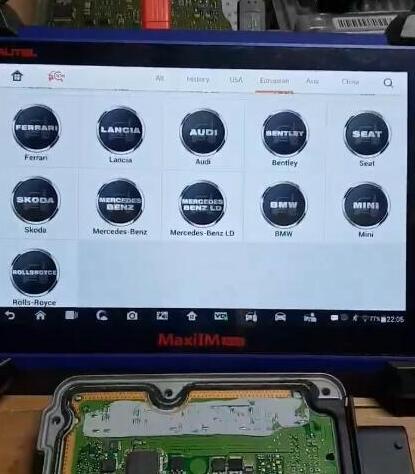
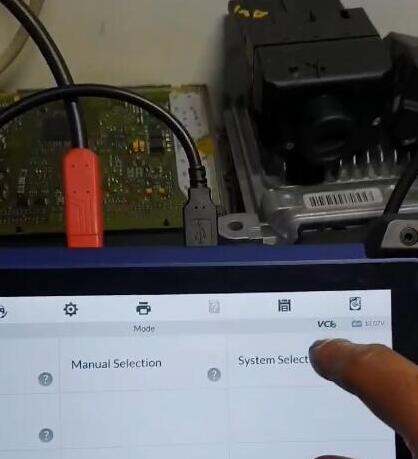
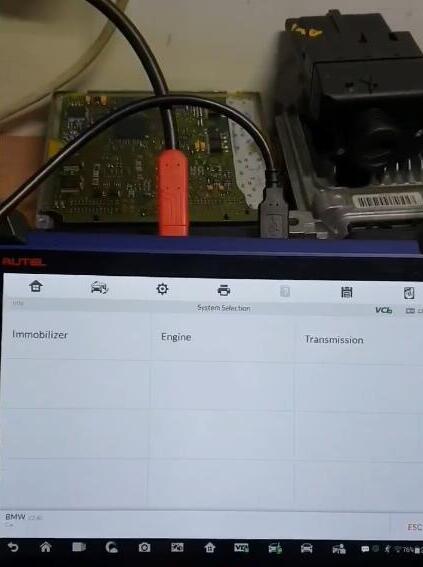
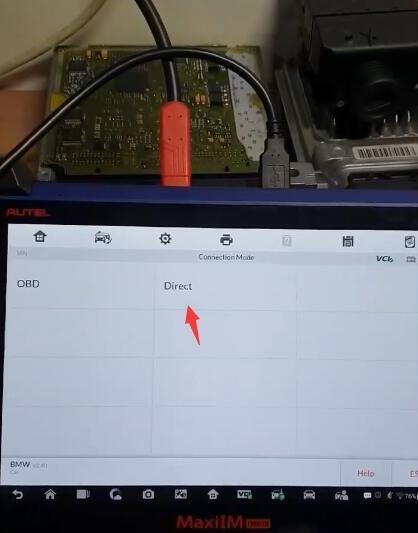
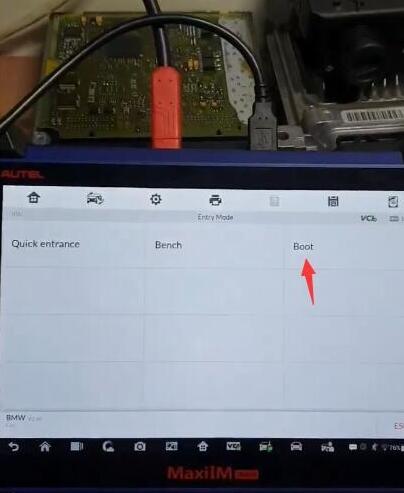
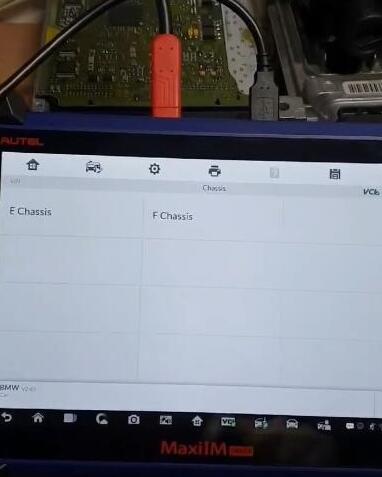
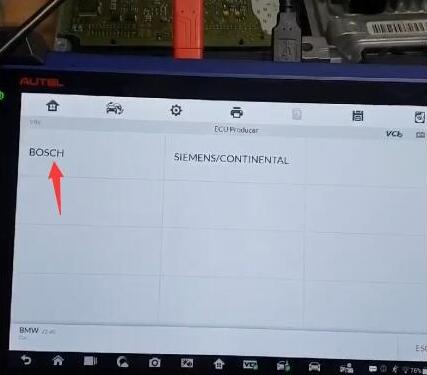
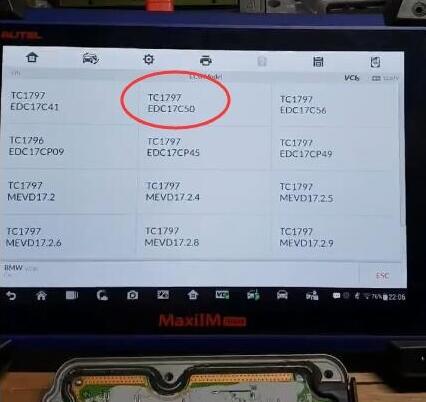
In IM608, select IMMO->European->BMW->System Selection->Engine->Direct->Boot->F-Chassis->Bosch->TC1797 EDC17C50
autel-im608-g-box-edc17-2
autel-im608-g-box-edc17-3
autel-im608-g-box-edc17-4
autel-im608-g-box-edc17-5
autel-im608-g-box-edc17-6
autel-im608-g-box-edc17-7
autel-im608-g-box-edc17-8
autel-im608-g-box-edc17-9
(Autel IM608 will read EDC17C41, EDC17C56, EDC17CP09, EDC17CP45, EDC17CP49, MEVD17.2, MEVD17.2.4, MEVD17.2.6, MEVD 17.2.6, MEVD 17.2.8, MEVD17.2.9 etc Bosch ECUs)
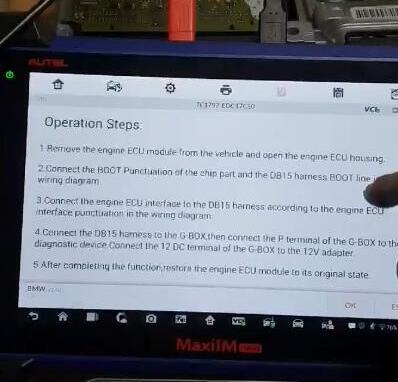
System will show you operation steps.
autel-im608-g-box-edc17-10
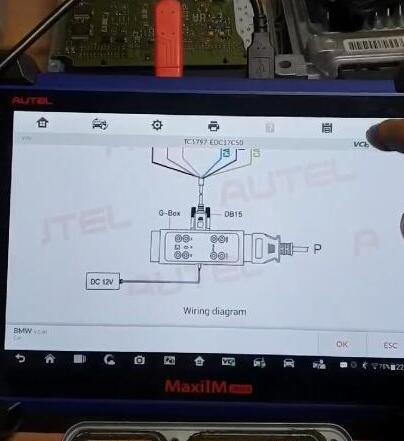
Check wiring diagram and make good connection
autel-im608-g-box-edc17-11
autel-im608-g-box-edc17-12
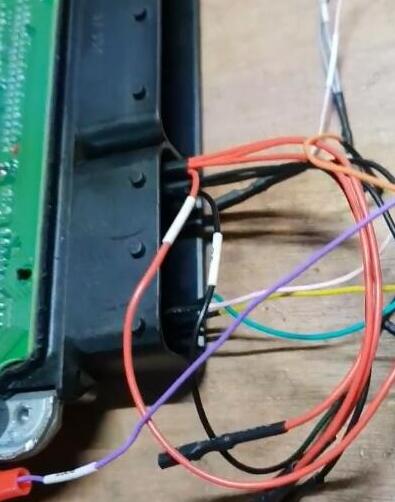
Connect the boot punctuation of the chip part and the DB15 harness boot line in the wiring diagram
Connect the engine ECU interface to the DB15 harness according to the engine ECU interface punctuation in the wiring diagram
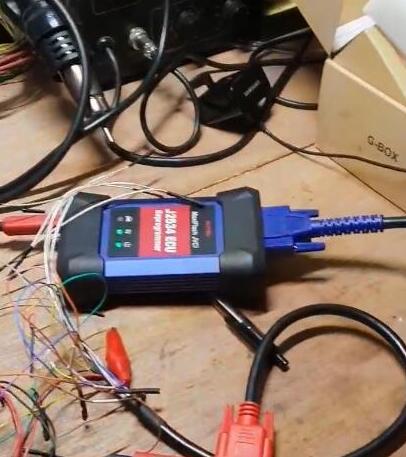
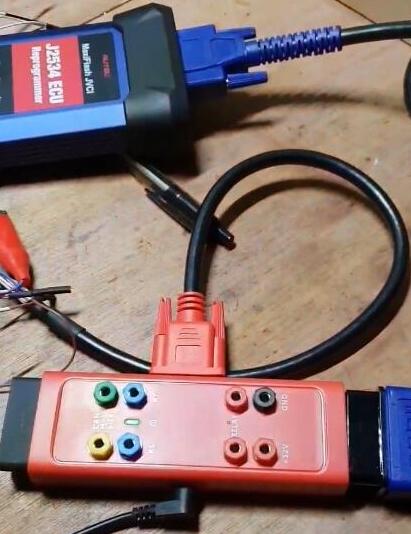
Connect the DB15 harness to the G-BOX, then connect the P terminal of the G-Box to the J2534 ecu adapter. Connect the 12 DC terminal of the G-Box to the 12V adapter
autel-im608-g-box-edc17-13
autel-im608-g-box-edc17-14
autel-im608-g-box-edc17-15
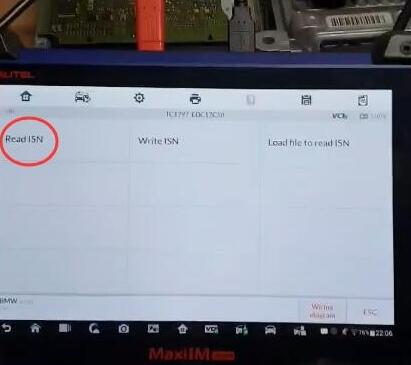
Then select Read ISN
autel-im608-g-box-edc17-16
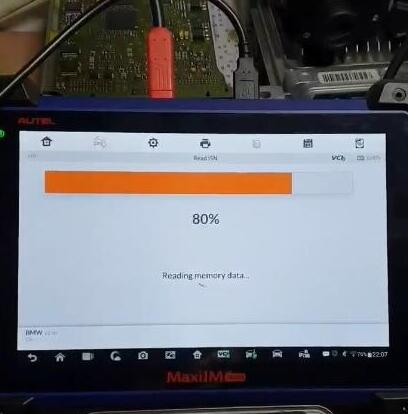
Reading memory data in process
autel-im608-g-box-edc17-17
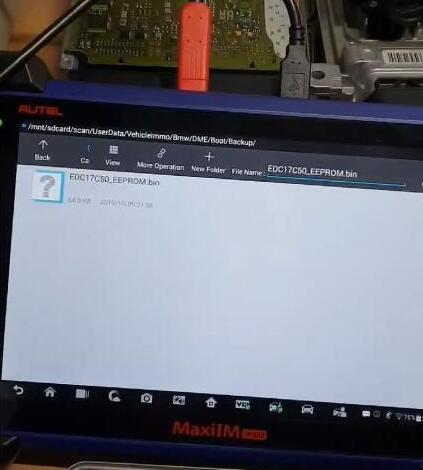
Save data
autel-im608-g-box-edc17-18
Extract engine ISN code succeed.
autel-im608-g-box-edc17-19
After completing the function, restore the engine ECU Scanner to its original state.
Done.